Private by design
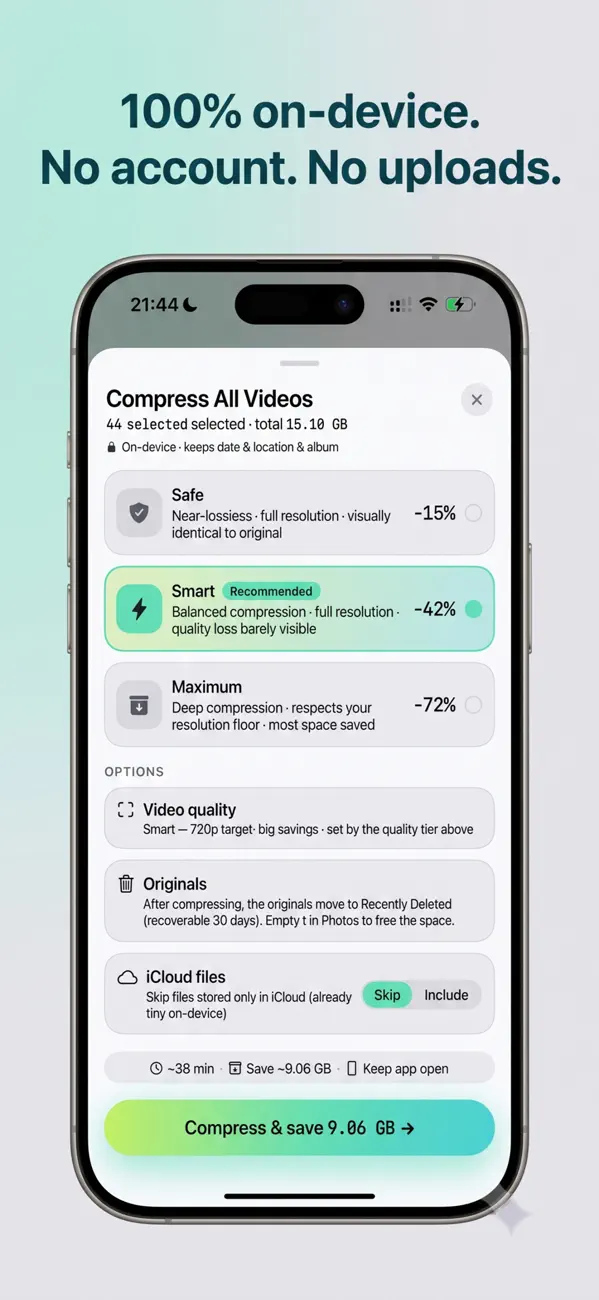
Slim has no servers. Photos and videos never leave your phone. No account, no sign-up, no cloud.
Photo & video compressor for iPhone
Slim compresses your photos and videos right on your iPhone, cutting file sizes by 50–80% while keeping them looking great.
 Android · Coming soon
Why Slim
Slim has no servers. Photos and videos never leave your phone. No account, no sign-up, no cloud.
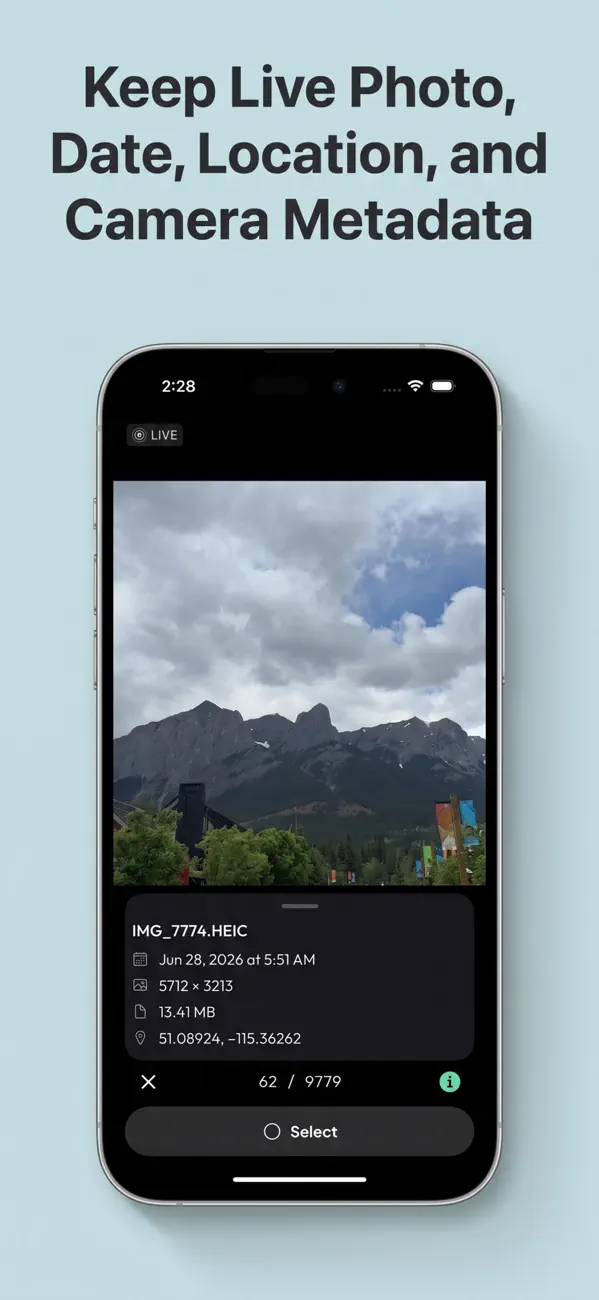
Dates, locations, camera metadata and Live Photos stay intact.
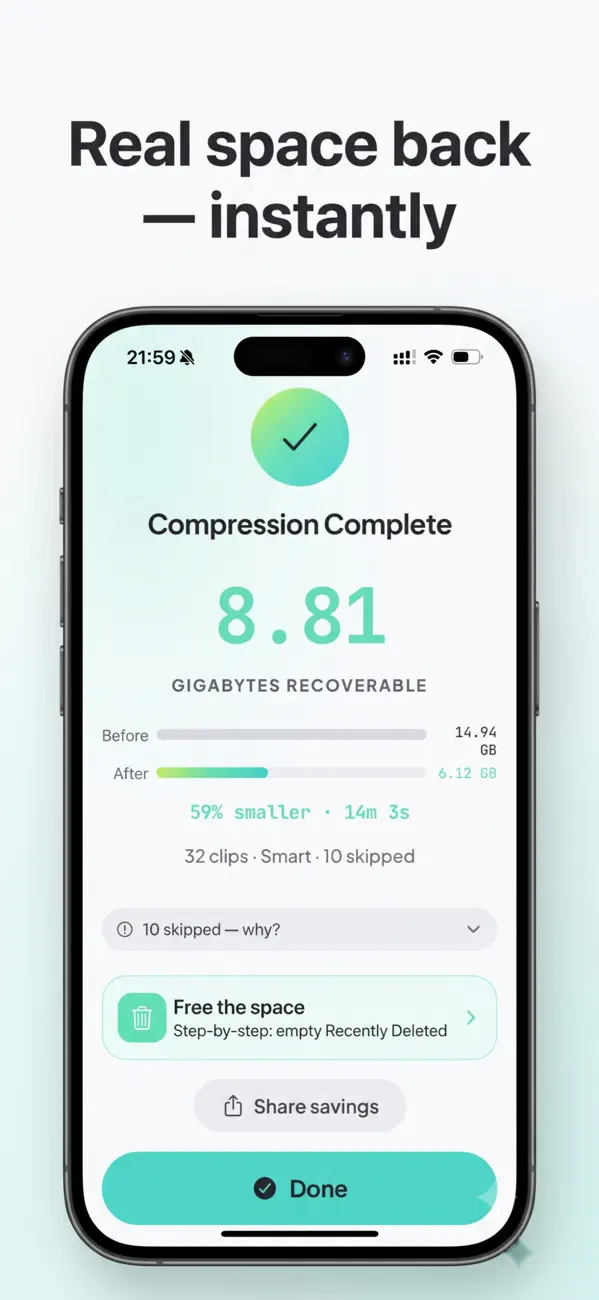
Modern HEVC compression gives huge savings on 4K clips.
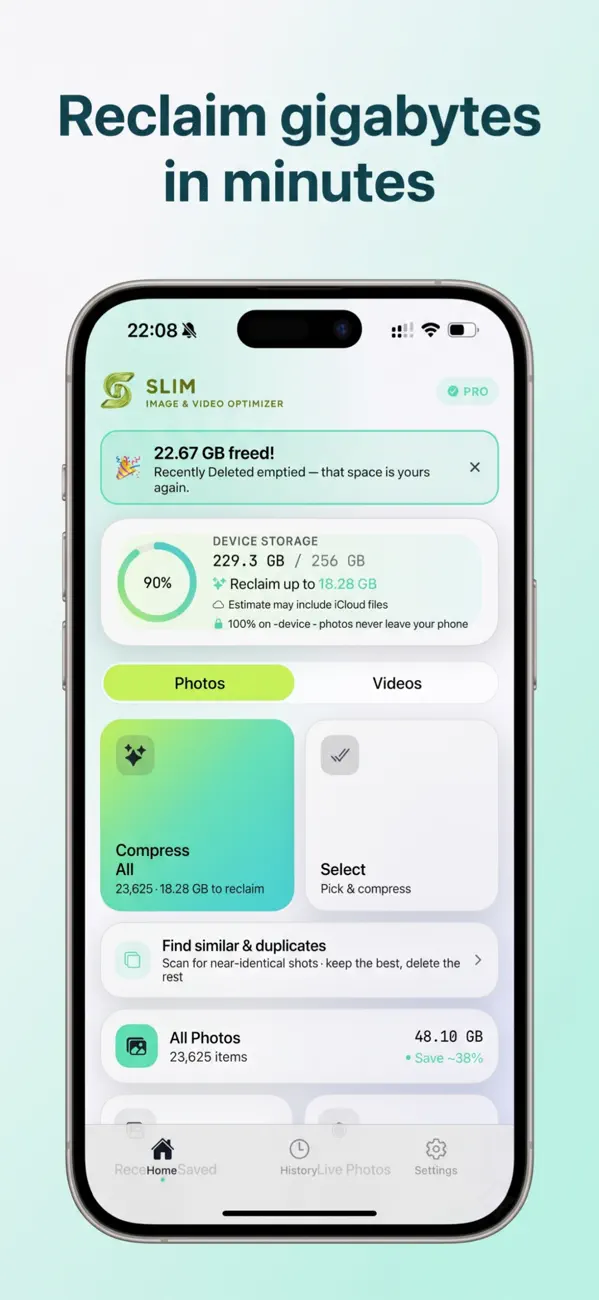
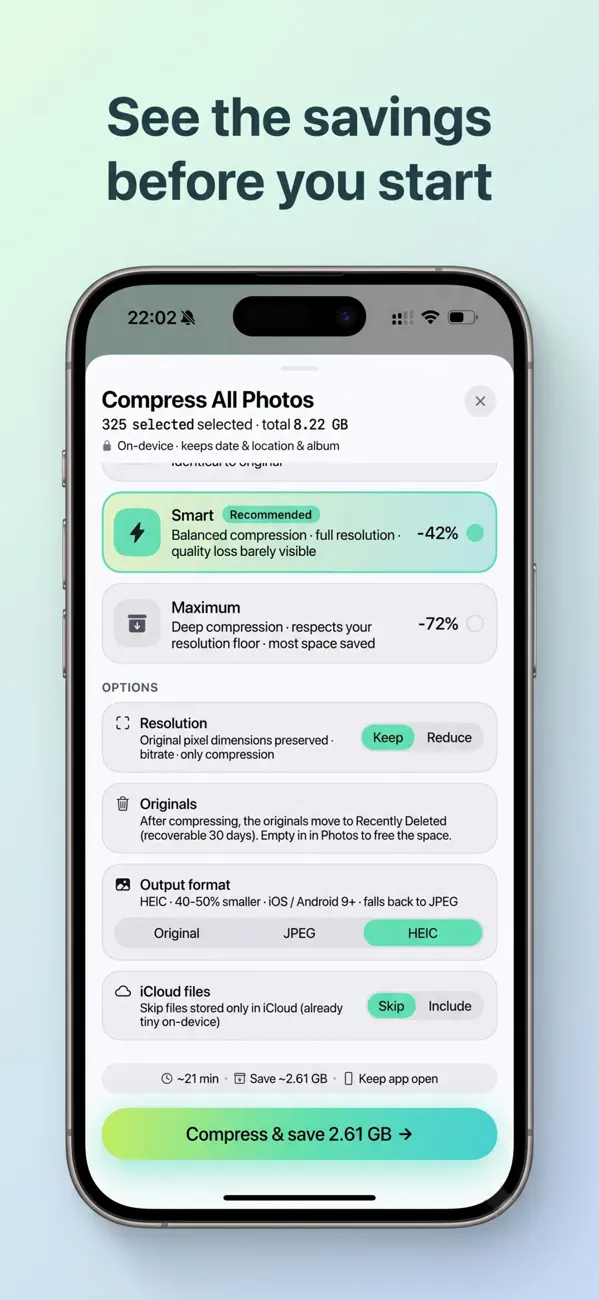
Know exactly how much space you’ll get back before you start. Newest, biggest files go first.
Finds similar and duplicate photos, so you can tidy up too.
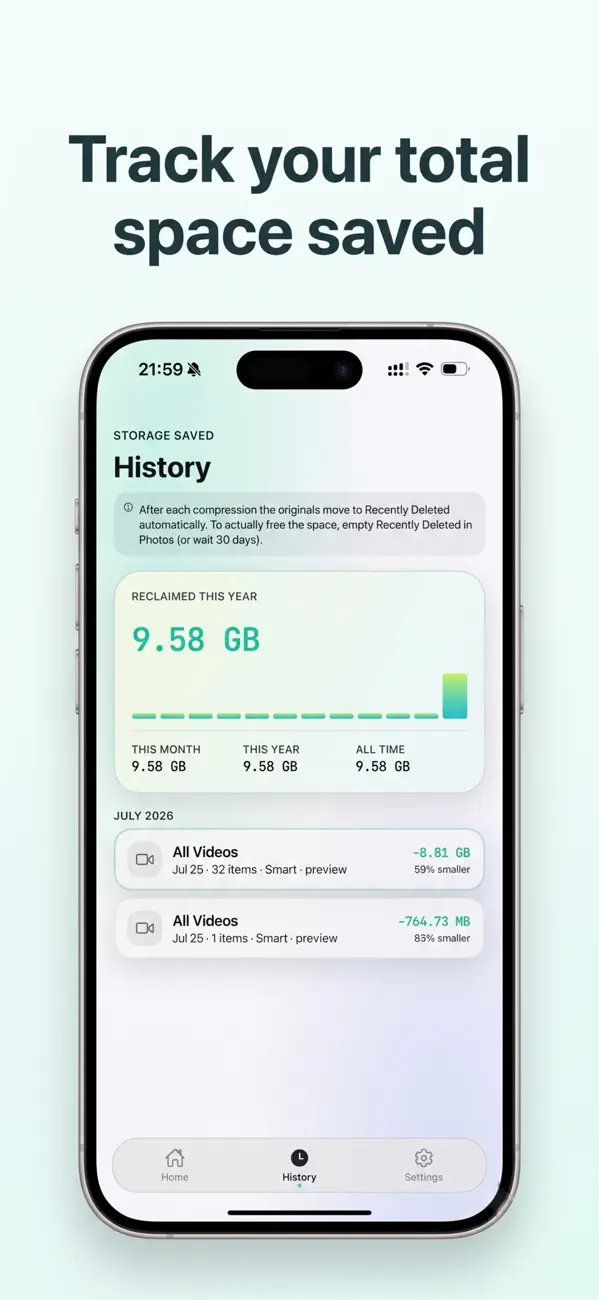
Originals go to Recently Deleted through the standard iOS confirmation, recoverable for 30 days.
How it works
Choose an album, or your whole library.
Safe, Smart or Maximum. Smart is recommended.
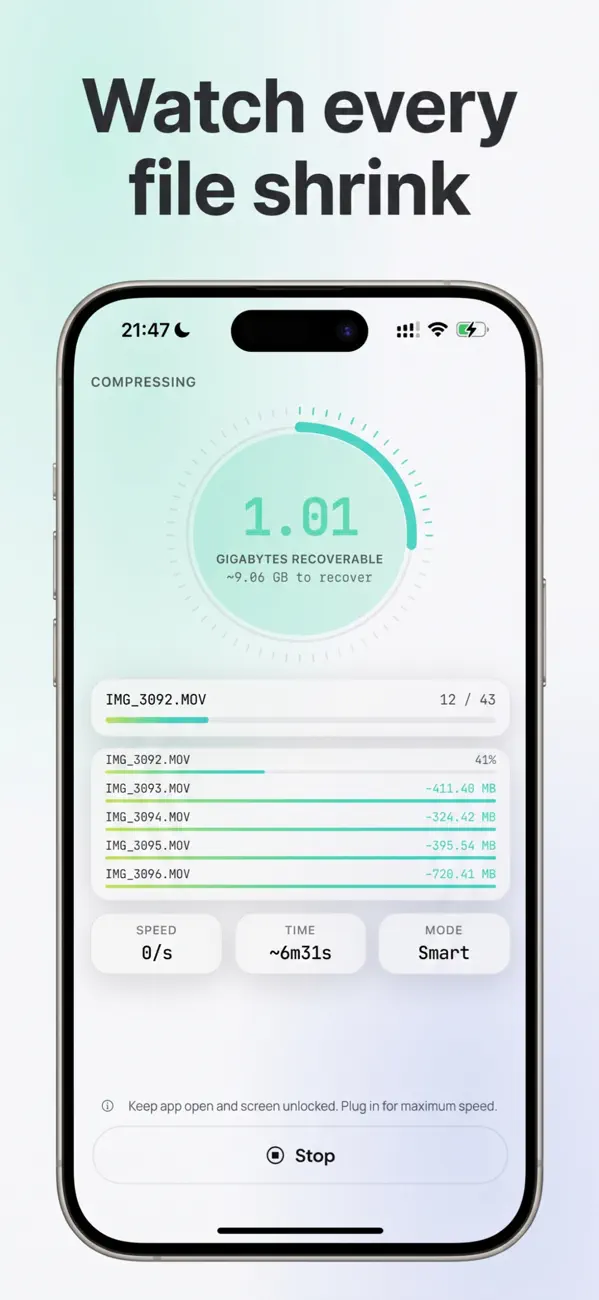
Watch the gigabytes come back. That’s it.
Slim is free to try: compress up to 1 GB of savings at no cost. Slim Pro unlocks unlimited compression, as a monthly or annual subscription or a one-time lifetime purchase.
No. All processing happens on your iPhone using Apple’s own frameworks. Slim has no servers and no account.
After compressing, Slim moves the originals to Recently Deleted through the standard iOS confirmation. They stay recoverable for 30 days. Empty Recently Deleted in Photos to free the space.
iPhone with iOS 16.4 or later. An Android version is coming soon.

Slim fixes it in minutes, without deleting a single memory.